



Tracer 9 (2021>)
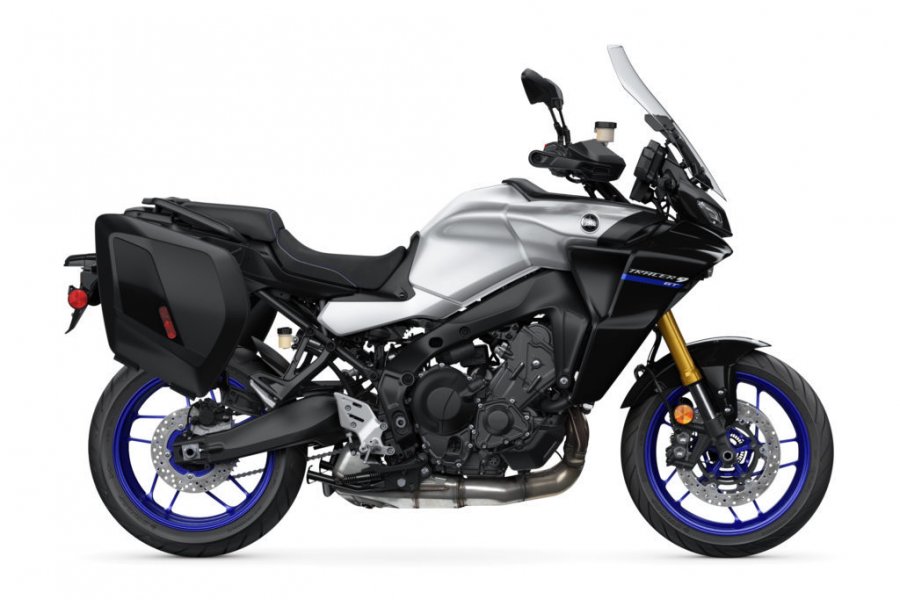
Product Compatibility
- vSystem
- xSystem
- eSystem
- Traveller Expansion Bag
- Scorpion Dual Injector
- Magnum HCR
vSystem Installation
Estimated fitting time: 1hr 30min
Step 1 - Find a vacuum source
The first step is to find the vacuum connection on your bike. This could be an already existing and blanked off vacuum spigot, a vacuum blanking screw, a vacuum operated fuel tap or a balancing pipe between your cylinders. Motorbikes after 2016 also have an EVAP System to control the emissions. This is operated by the engine vacuum and you can connect into the vacuum line between the throttle bodies and purge valve. Once you have identified your vacuum source connect it with the vacuum damper elbow and black vacuum line to your Scottoiler.
Locate the vacuum – There is a rubber cap over a spigot on the throttle body. Remove one of these caps and then press the Damper Elbow onto the spigot. For further information see our easy step installation guide - Vacuum Connections General.
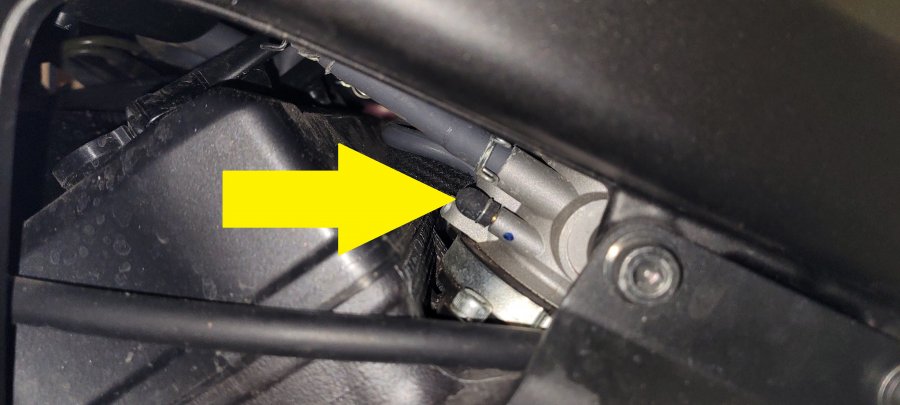 Remove cap + vacuum feed taken from spigot on the throttle bodies. (View from left side)
Step 2 - Find a place for the reservoir
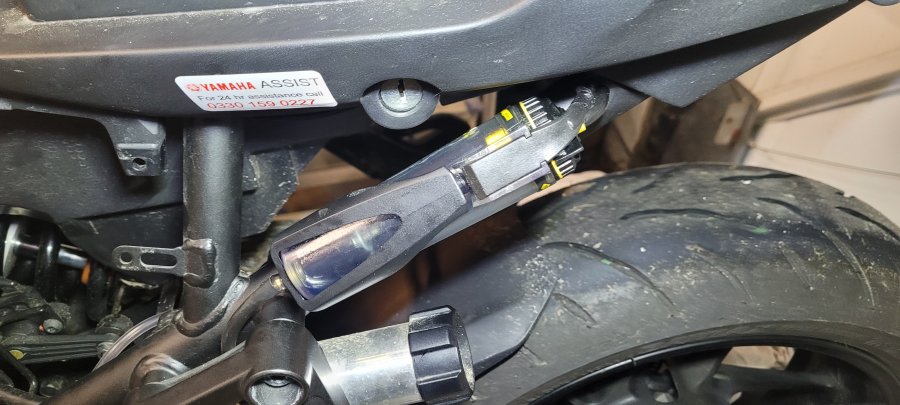
Step 3 - Route Delivery Tubing and mount the dispenser and connect the system
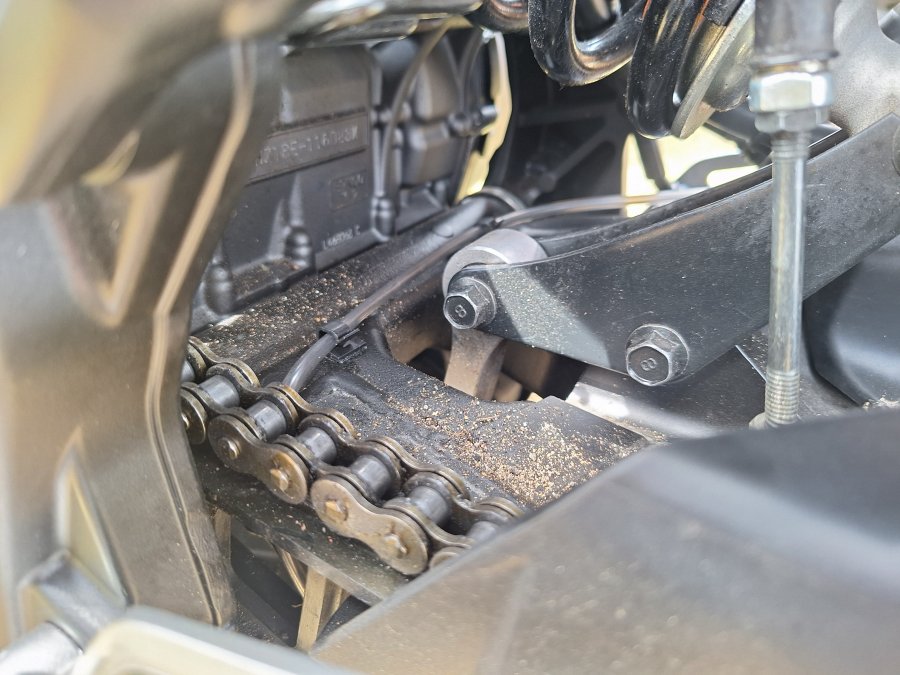
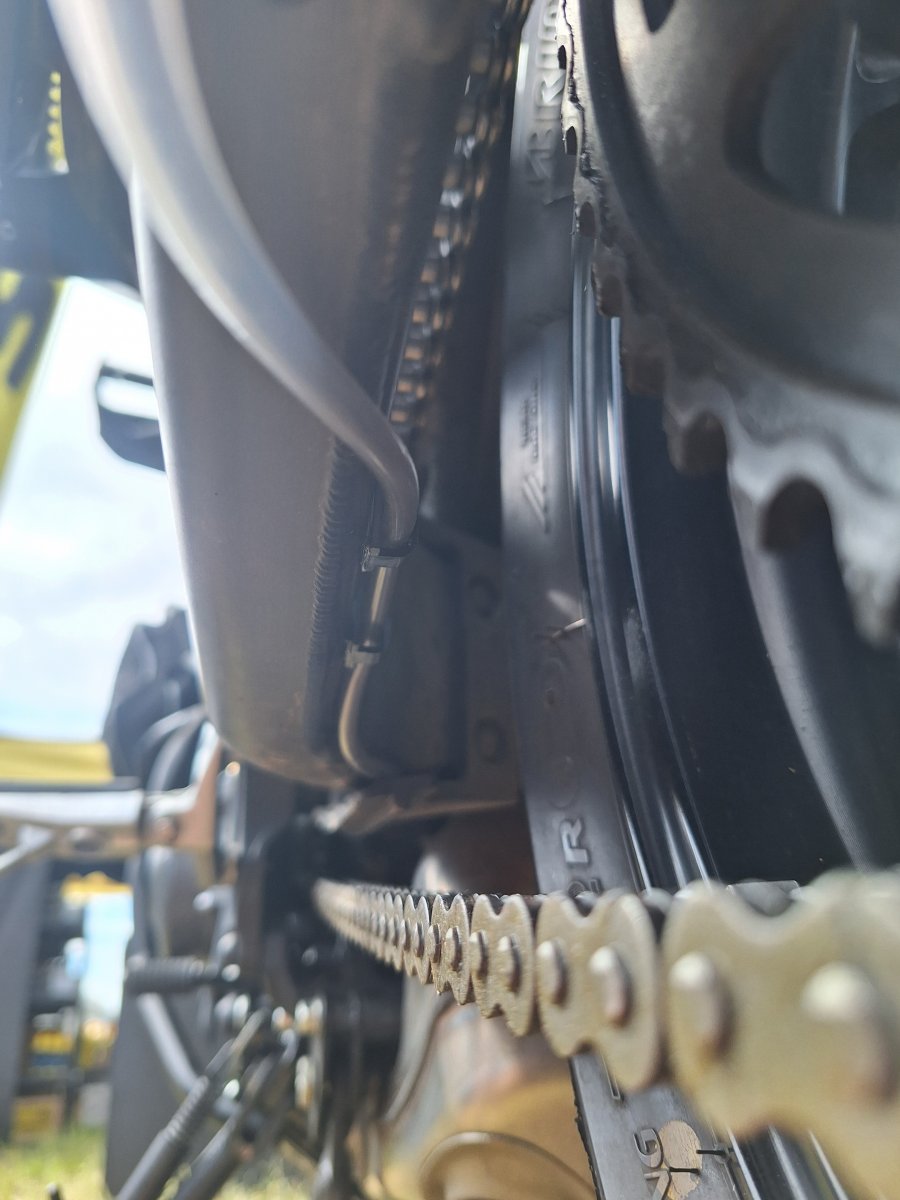
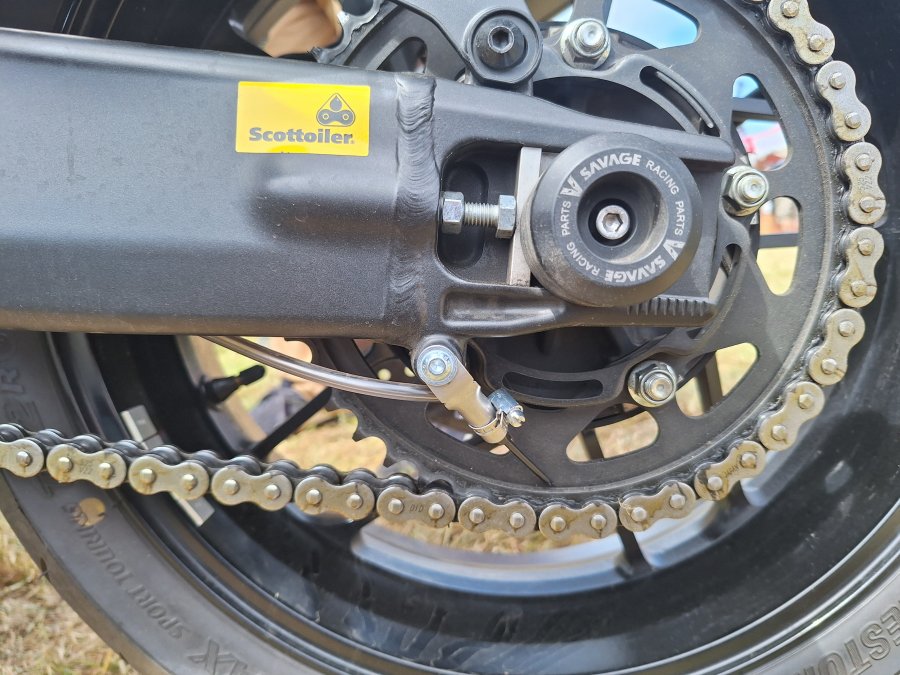
Step 4 - Fill, prime and set up your vSystem
Once fitted, fill and prime the system and set the adjuster knob to ’prime’. Start the engine and turn the adjuster knob until a flow of between 1 and 2 drops per minute is achieved. Check the condition of your chain after a ride, and then adjust as required.
For best results clean your chain before fitting the Scottoiler using paraffin or similar. Then lightly oil the chain from the bottle using a rag or a brush, this allows the oil from the Scottoiler to reach both sides of the chain. 1 to 2 drops per minute will maintain this film of oil on the chain.
xSystem Installation
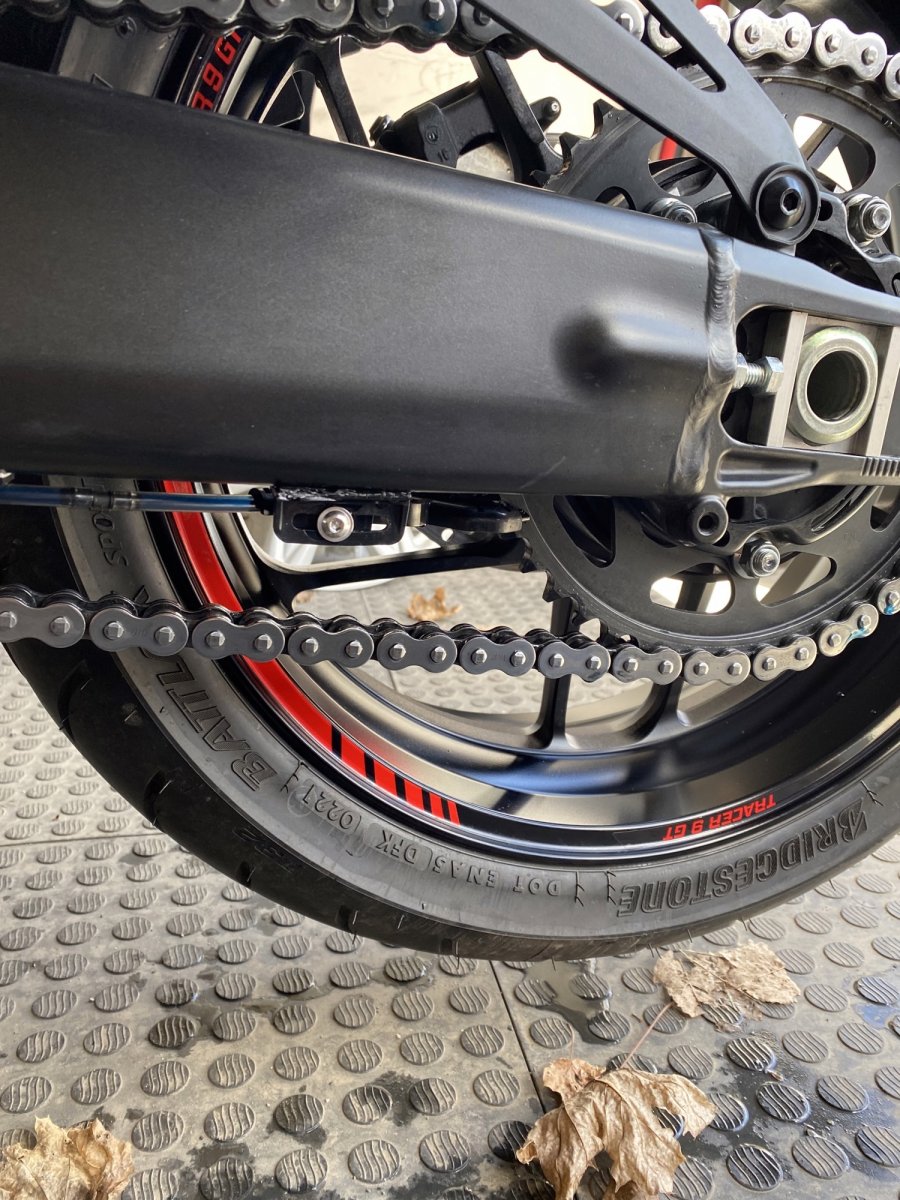
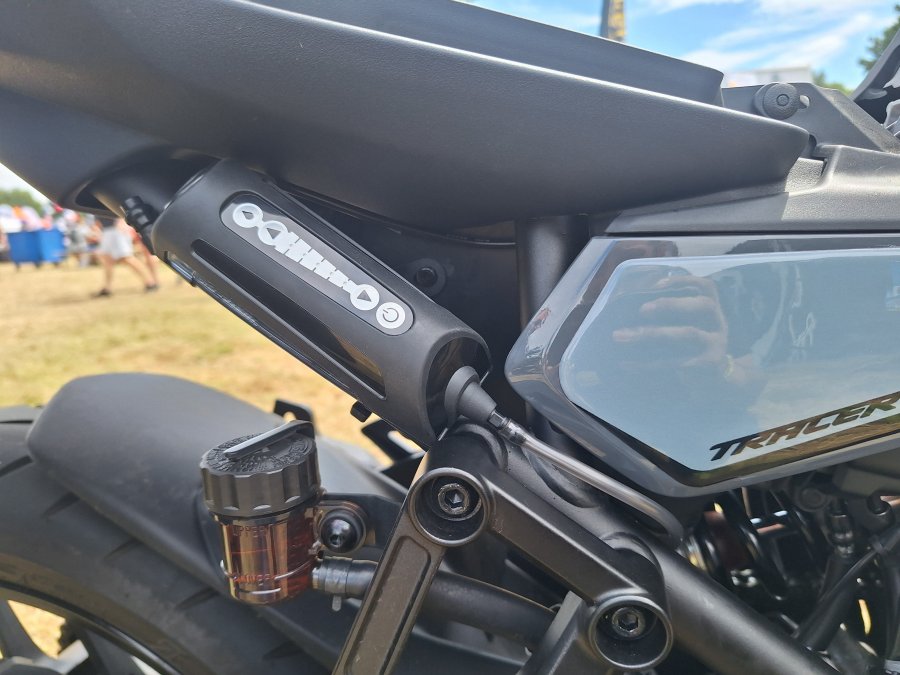 xSystem location suggestion.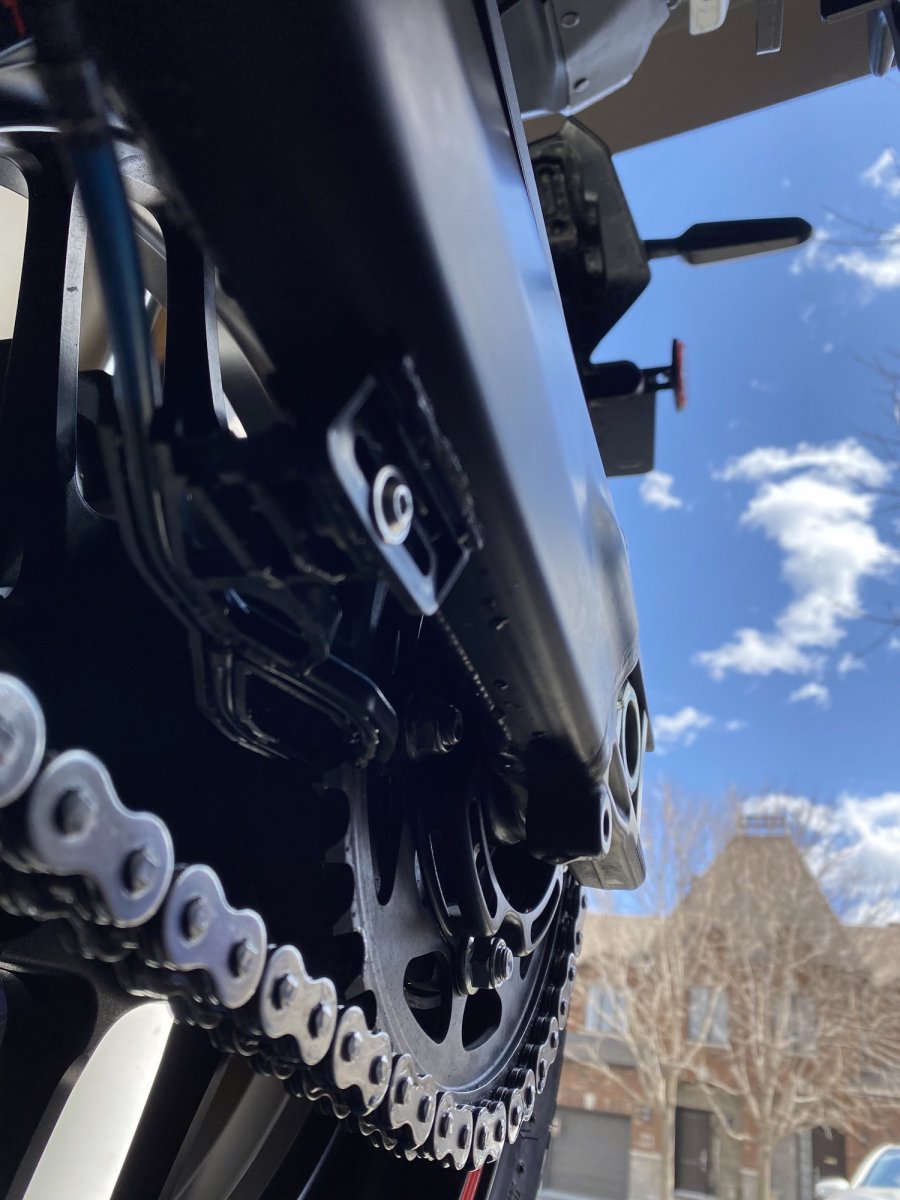
eSystem Installation
Estimated fitting time: 1hr 30min
The eSystem chain oiler is really easy to install and can be mounted on your bike in less than 1 hour. The installation consists of the three simple steps:
- Mount the display on your handlebars
- Connect the display and reservoir to your battery
- Attach the dispenser and route the delivery tubing to the reservoir
For an example of the installation see our eSystem Installation guide.
If you have our system installed on this specific motorcycle model, we would appreciate if you could send us pictures. With more pictures we can make the Installation even easier for all motorcyclists. Please send us your feedback and photos to technical@scottoiler.com.
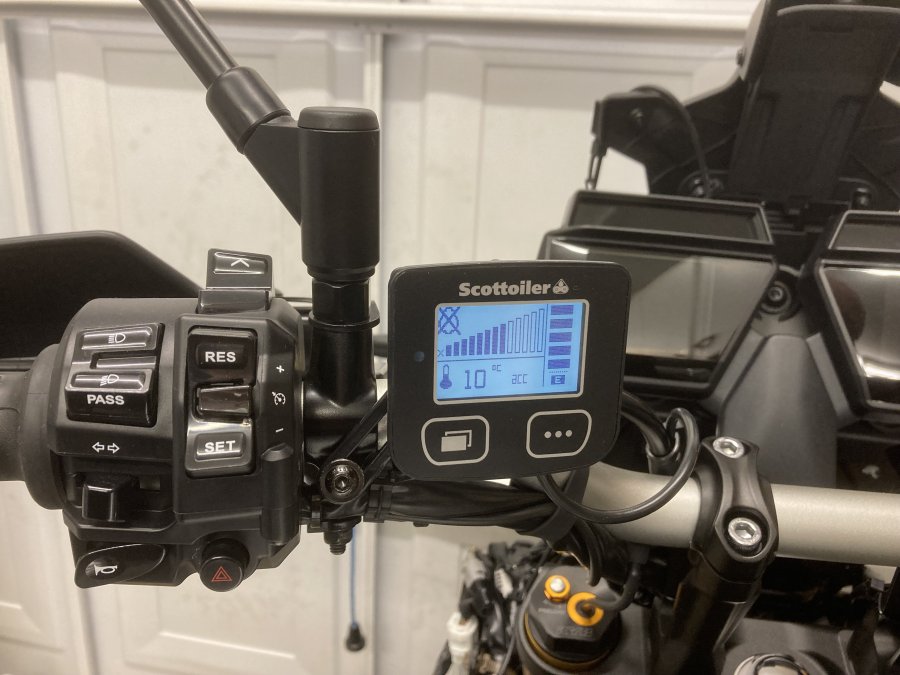
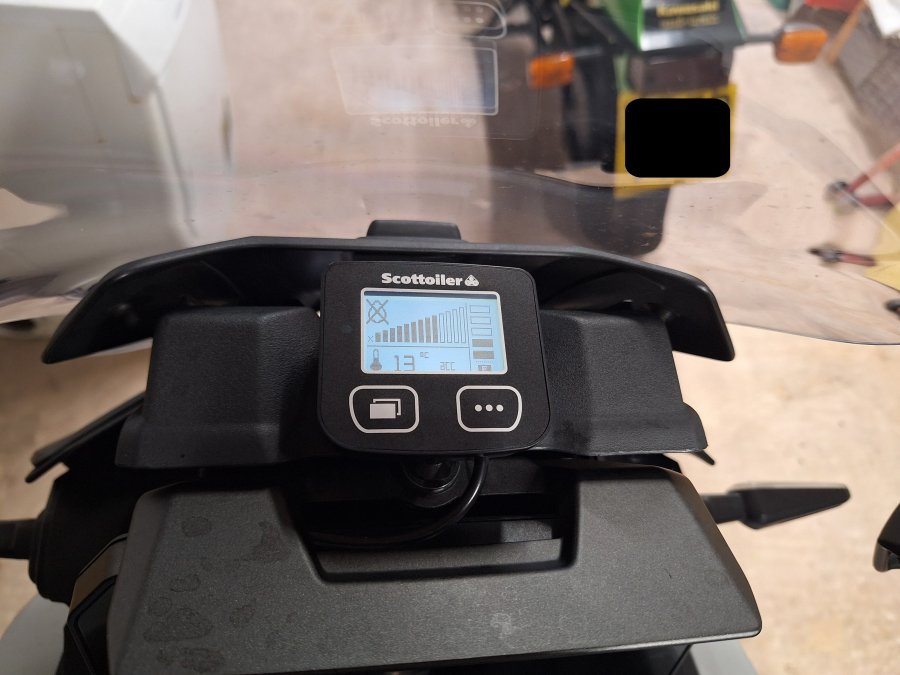
 eSystem display + REP location suggestions.
